


Registration instructions
How does registration work?
You have received two letters from us containing your login details for the my pension360 portal. Please use the information contained therein to register. After enering your personal details, the EPM number and the registration code, we will send a TAN to your email address. You must enter this in the field provided. You will then receive an email asking you to set a new, secure password. You can then log in to the portal using your email address and password.
Questions and answers
Where can I find my EPM number?
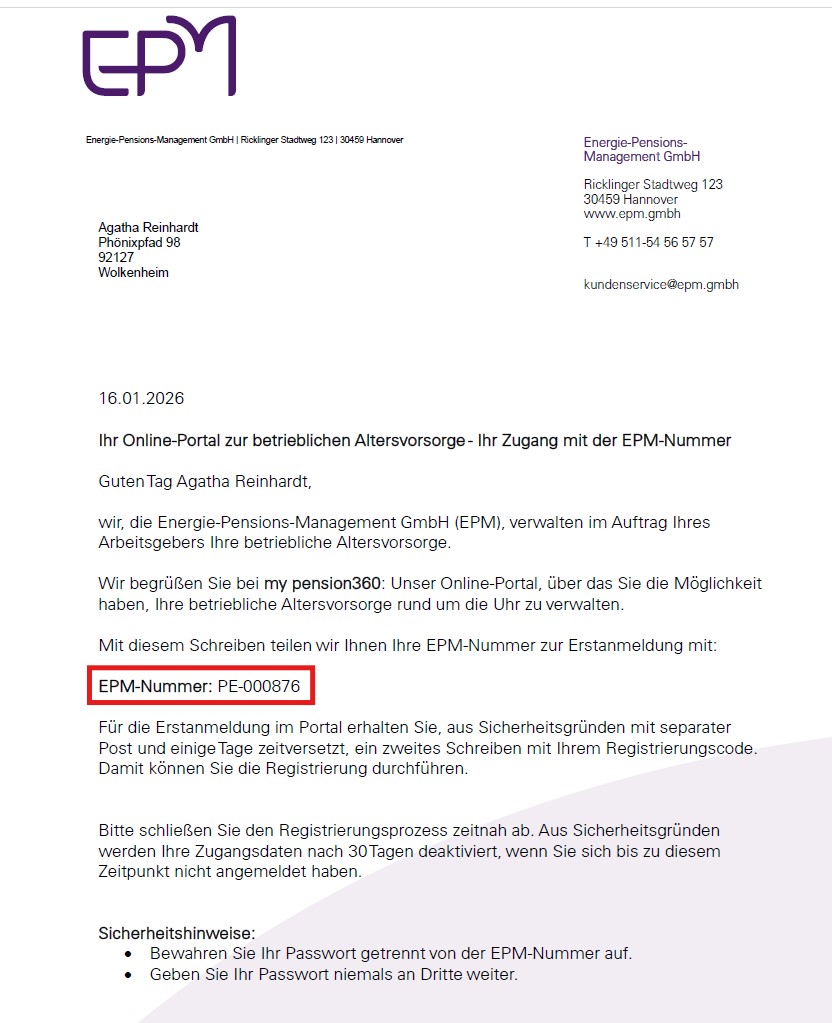
You will find the EPM number in our first letter with the subject line „Ihr Online-Portal zur betrieblichen Altersvorsorge - Ihr Zugang mit der EPM-Nummer“.
Where can I find the registration code?
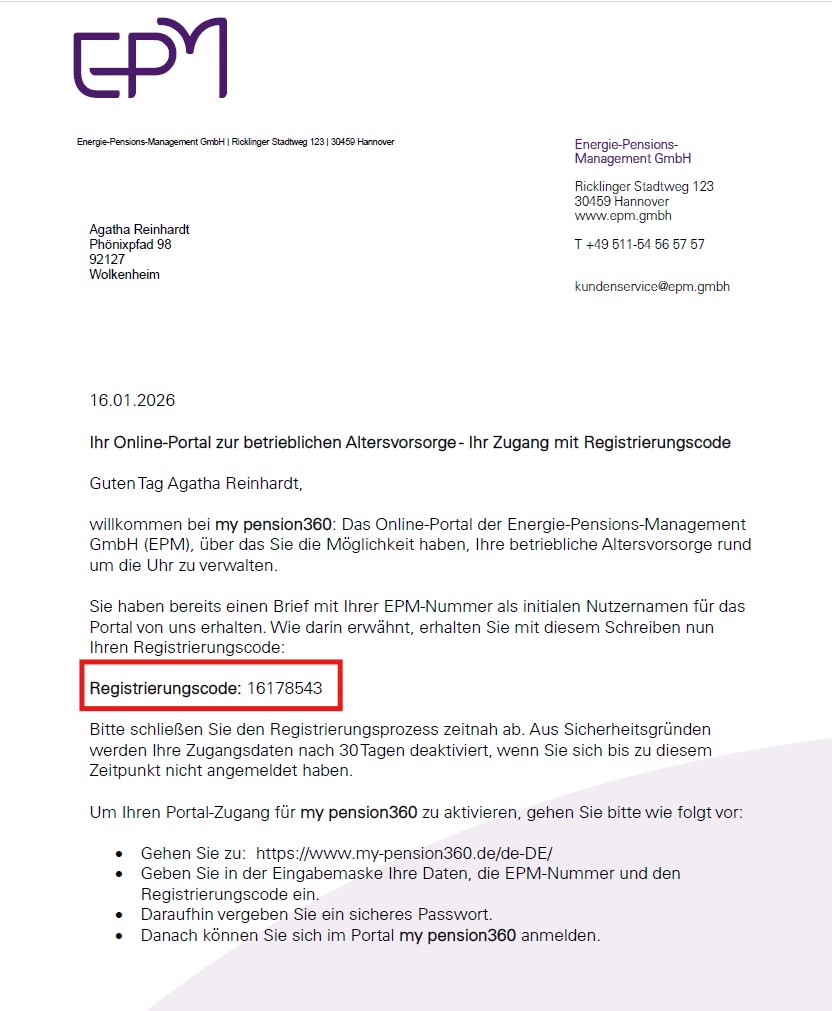
You will find the registration code in our second letter with the subject line „Ihr Online-Portal zur betrieblichen Altersvorsorge - Ihr Zugang mit Registrierungscode".
Note: If you have received only one letter from us, or none at all, please contact our customer service.